Nimbus
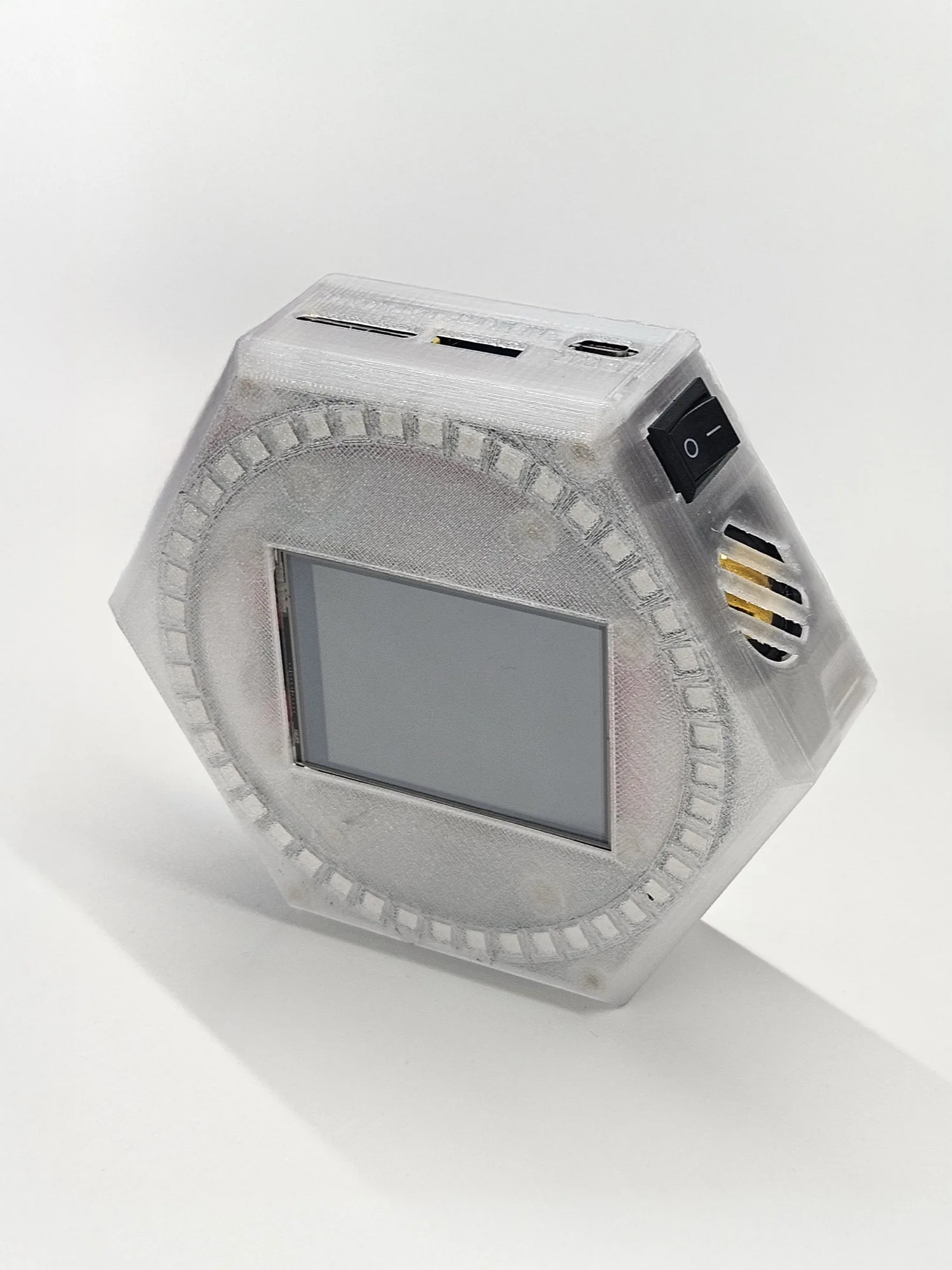
An open-firmware AI assistant for your desk, on a commodity ESP32-S3 board.
Orchestrator mode: reach your always-on Nimbus over Telegram, hold-to-talk on the device, or use the local web UI. Nimbus remembers across conversations, runs routines, uses tools and connects to your favorite MCPs.
Notifier mode: each coding session takes a segment on the LED ring, communicates over encrypted Bluetooth, so a glance shows which agents have finished and what needs you.
Memories and data stay on the device, not on a cloud account. Only the model calls leave, to the provider you pick: a hosted lab, or an LLM you host yourself. Bring your own key (Mistral, OpenAI, Anthropic, or OpenAI-compatible). Source-available, noncommercial.
Code is under the
PolyForm Noncommercial License 1.0.0;
documentation and hardware are under
CC BY-NC-SA 4.0. Build it,
modify it, and share your fork, for any noncommercial use. Details in the
repository's LICENSE, LICENSE-docs, and NOTICE.
Two builds, one firmware
Same firmware, same features on both builds. They differ in assembly effort, and in whether the status ring is physical or rendered on screen.
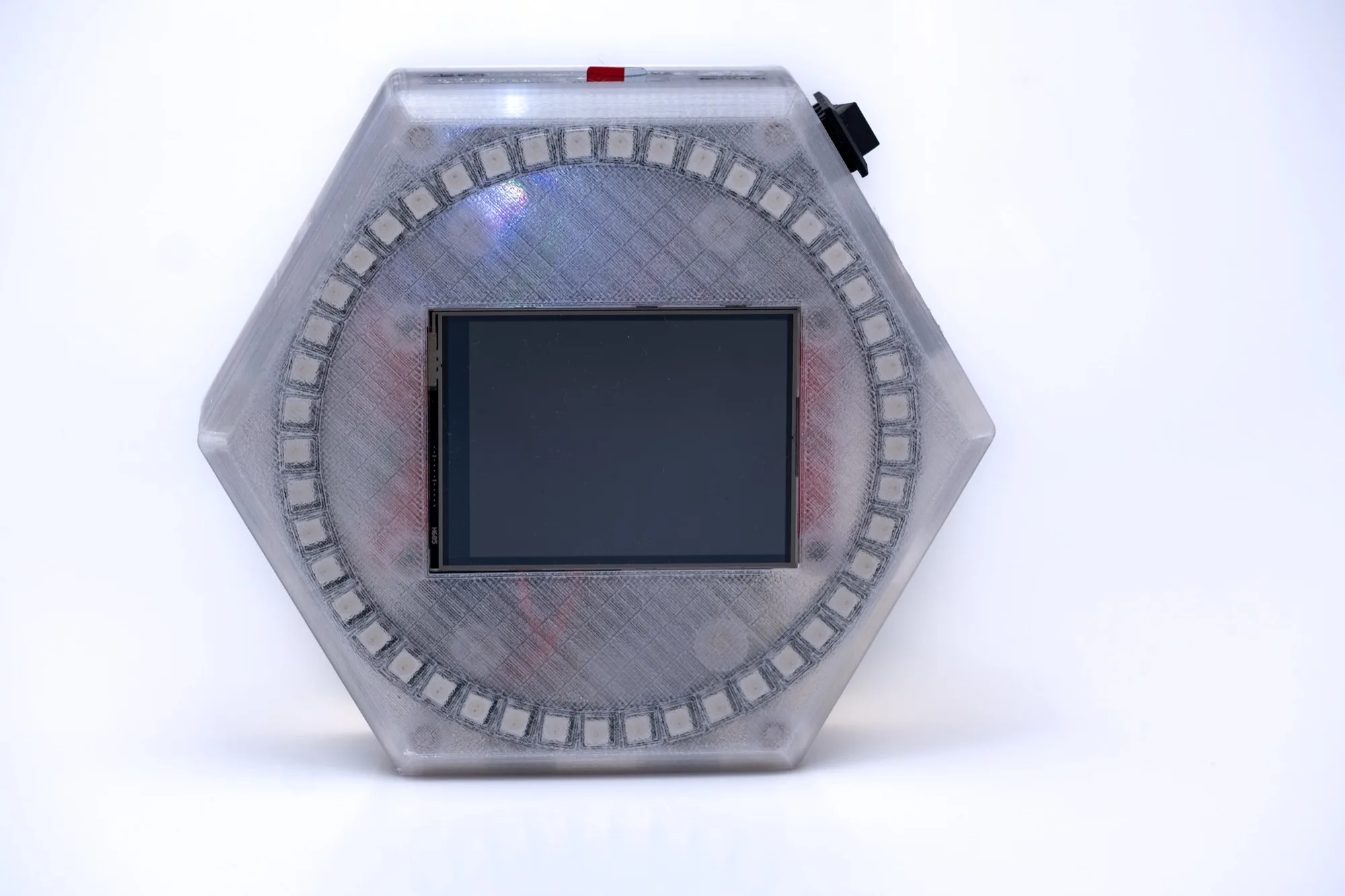
Hand-built
Classic Nimbus
An ESP32-S3-DevKitC-1 on a custom carrier PCB in a 3D-printed case, with a discrete WS2812B ring and a 2.8-inch touchscreen. Soldering and assembly required.
- ESP32-S3-DevKitC-1 (N16R8) + carrier PCB
- WS2812B LED ring
- 2.8" ILI9341 240x320, resistive touch (XPT2046)
- Mic, speaker, microSD, optional 2S battery
- Around $60 to $75 in parts
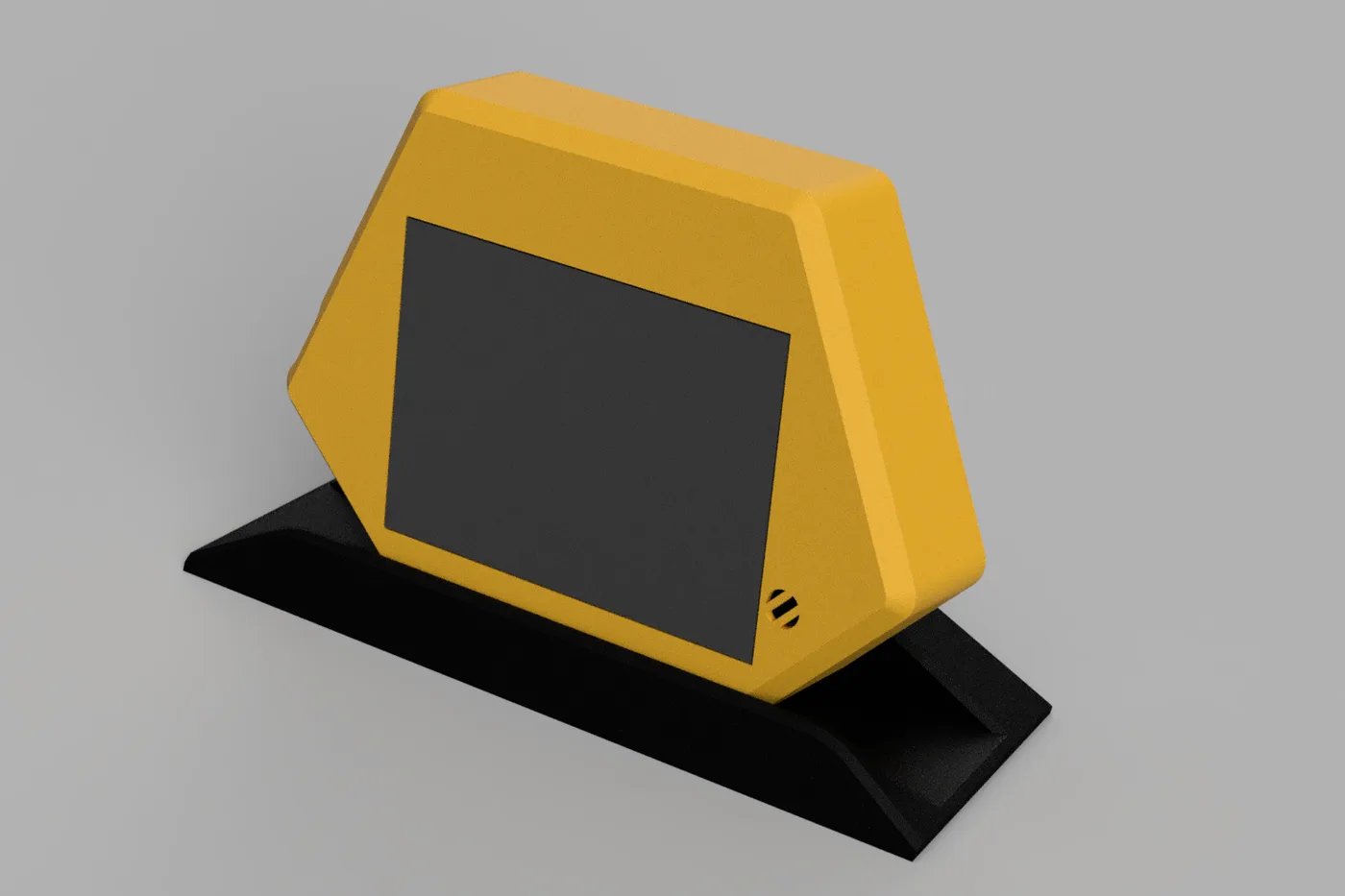
All-in-one
Nimbus Light (Freenove CYD)
A single Freenove ESP32-S3 module: display, capacitive touch, microSD, mic, and speaker on one board. No wiring, no soldering. The status arcs render on the panel.
- Freenove ESP32-S3 Display (FNK0104B)
- 2.8" ILI9341 240x320, capacitive touch (FT6336U)
- Status ring rendered on-screen
- ES8311 mic + speaker, microSD, optional 1S battery
- Around $20 to $25, one board
Every panel is a 2.8" ILI9341 (240x320) on an ESP32-S3 N16R8 (16 MB flash, 8 MB PSRAM); the Freenove also comes in 3.5" and 4.0" sizes. Pinouts and wiring are in the hardware reference; the parts list is in the bill of materials.
One device, two modes
Pick a mode at flash time; switch later from the settings menu. A switch restarts the device.
Notifier
A broker on your computer speaks the nimbus-notify protocol over an encrypted,
paired Bluetooth link. Each coding session maps to a ring segment; its color and
animation encode the state: running, waiting for input, done, errored. On Nimbus
Light the segments render on screen.
Orchestrator
A self-hosted agent backed by a hosted LLM and your own key. Reach it over Telegram, hold-to-talk on the device, or the local web UI. Long-term memory on the SD card, tools mid-turn, background sub-agents, scheduled routines, and signed over-the-air updates.
What stays on the device
Memory, routines, and tool actions all happen on the device you own. Only the model call ever leaves, and only when you point it at a hosted provider.
Self-hosted model
Host the model yourself and even the model call stays on your network. Nothing crosses out.
Hosted provider
Point at a hosted provider and only the model call leaves. Memory, routines, and actions stay on the device.
Cumulo Nimbus - the first-party service
Nimbus runs entirely on your own keys and network. Cumulo Nimbus is an optional first-party service the firmware integrates with directly. Off by default.
- One key across providers. A Cumulo key draws on one prepaid balance routing to Mistral, OpenAI, and Anthropic. Paste it under Assistant → Models, or use it from your own code as an OpenAI- or Anthropic-compatible base URL.
- Remote access without port forwarding. Cloud access opens one outbound secure tunnel to reach the device's web UI from anywhere. Pair it with a Cloud link code shown on the device.
Both opt-in, both verify ownership before anything reaches the device, and neither replaces the local web UI.
Where to go
- Build one: What you need, then the bill of materials, the build guides, flash, and set up.
- Use one: Modes & signals documents every light and sound; the web UI reference covers every settings tab.
- Understand it: Architecture, then turn anatomy (what the model sees) and Orchestrator World (the memory system).
- Fork it: the development guide and self-hosted OTA (shipping firmware to your own devices).
These pages are a published view of the firmware repo's docs/ tree. The
canonical source is the Markdown in the repository; see the
docs map.